Dashboard and provider mode
Switch modes
- From customer mode: Profile → Switch to provider mode.
- From provider mode: Profile → Customer mode.
The app remembers the mode you were in. Links from notifications open the right mode for you, for example a new booking request opens provider mode.
In provider mode the bottom bar shows Dashboard, Bookings, Jobs, Chat and Profile, and the header says Provider mode.
Dashboard
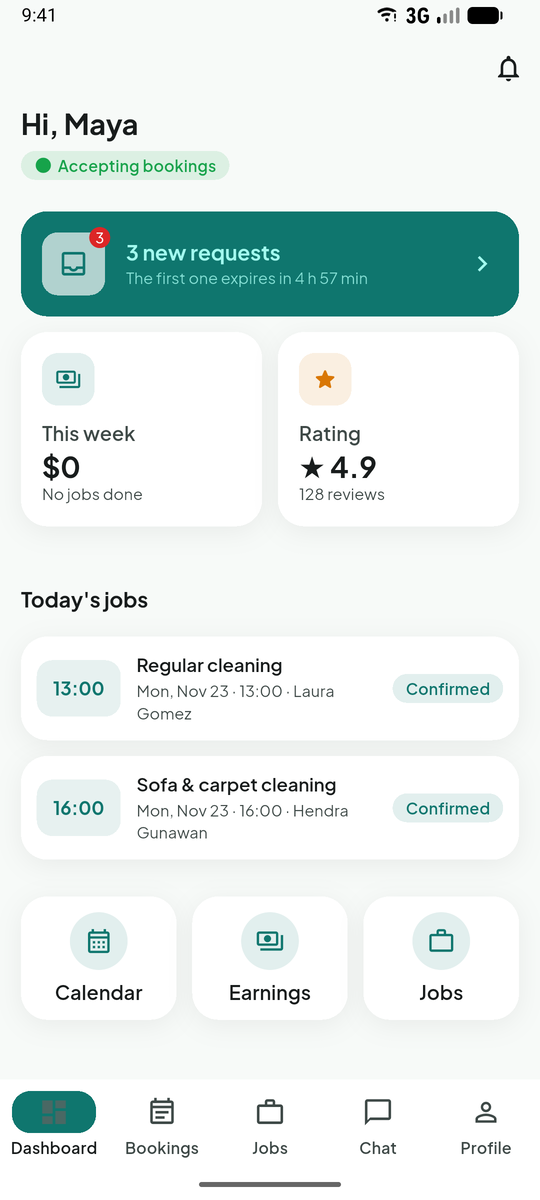
The dashboard sums up your day:
- New requests: how many bookings are waiting for your answer, and when the first one expires. Answer before it runs out, or the booking expires and the customer is refunded.
- Today's jobs: your bookings for today, in time order. Tap one to open it.
- This week: what you earned and how many jobs you finished, next to your Rating.
- Shortcuts to your Calendar, Earnings and Jobs.
If the marketplace takes card payments and you haven't connected a bank account, a banner reminds you: Set up payouts to get paid for card jobs.
Provider profile
Profile in provider mode holds your provider tools:
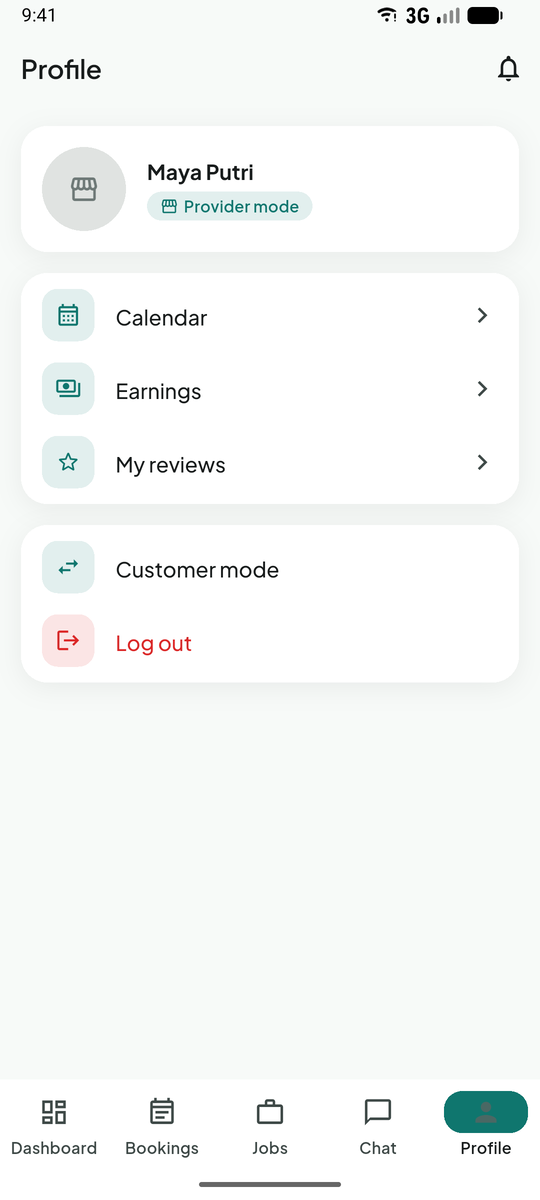
| Item | Page |
|---|---|
| Calendar | Set your availability |
| Earnings | Earnings and payouts |
| My reviews | Reply to reviews |
| Customer mode | Back to booking services yourself |
| Log out | Sign out of the app |