Profile and settings
Tap Profile in the bottom bar.
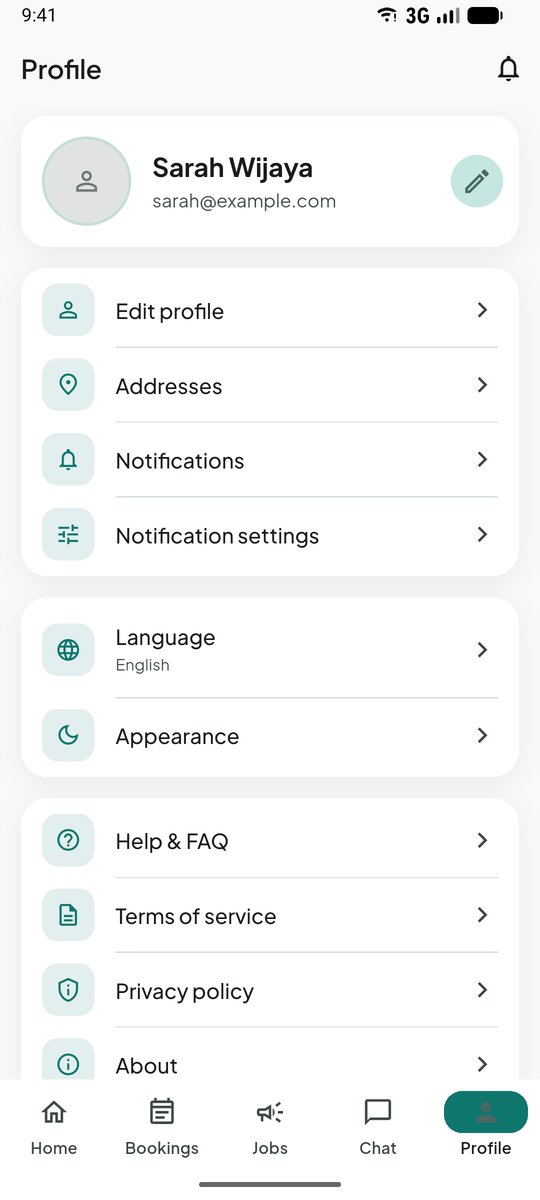
Edit profile
Tap Edit profile to change your Full name, your photo (Change photo) and your Phone. Your phone number is shared with a pro only after they accept a booking. Tap Change password to set a new one; you'll need your current password.
Addresses
Addresses lists the places you book for. Saved addresses make booking faster.
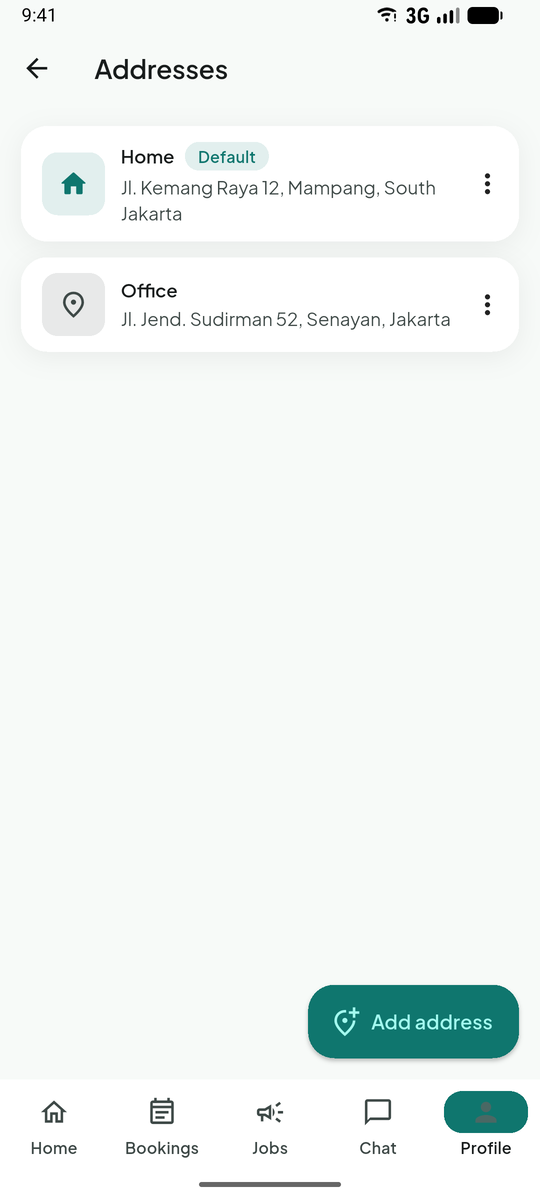
- Add address to save a new one.
- Open an address's menu to Edit, Delete or Make default. The default address is picked first when you book.
Notifications
- Notifications shows everything the app has told you, newest first. Tap one to open the booking, job or chat it's about, or tap Mark all as read. The bell icon on the home screen shows how many are unread.
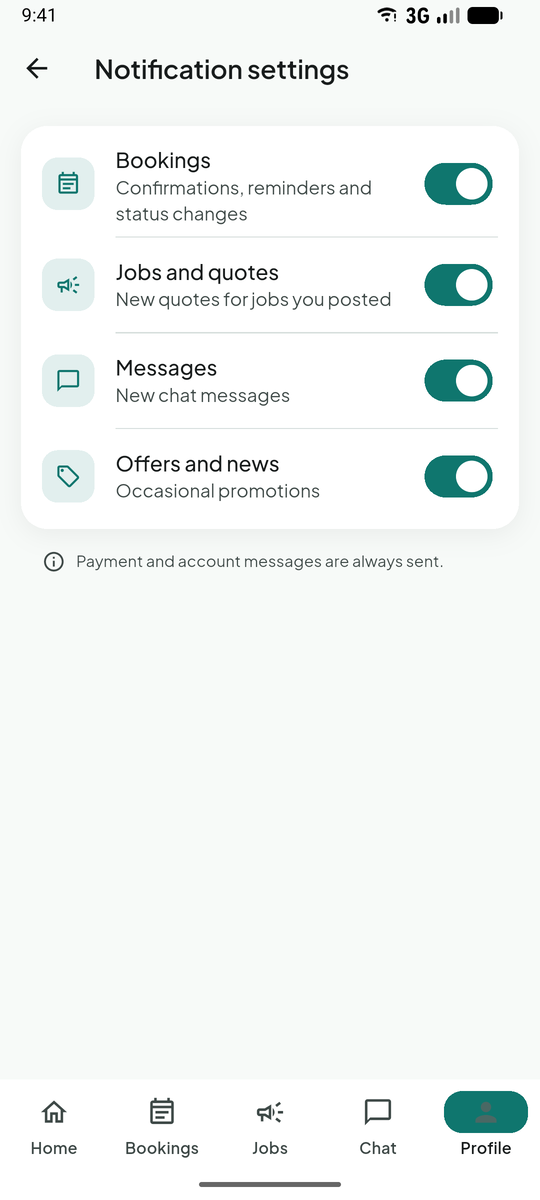
- Notification settings lets you choose which push notifications you get:
| Setting | What it covers |
|---|---|
| Bookings | Confirmations, reminders and status changes |
| Jobs and quotes | New quotes for jobs you posted |
| Messages | New chat messages |
| Offers and news | Occasional promotions |
Payment and account messages are always sent.
Language
Language switches the app's language. Phone's language follows your phone setting. The languages on offer depend on your marketplace; Arabic switches the app to right-to-left.
Appearance
Appearance chooses Light, Dark or Use phone setting.
Help & FAQ
Help & FAQ answers common questions, written by your marketplace. The Terms of service, Privacy policy and About pages are here too.
Become a provider
Want to offer your own services? Tap Become a provider. See Become a provider. If you're already an approved provider, this item reads Switch to provider mode.
Delete your account
Tap Delete account at the bottom of the profile.
- Cancel any upcoming bookings first.
- Deleting removes your profile, photo, saved addresses and sign-in. It can't be undone.
- Past bookings, payments and reviews are kept without your name, for the pro's records and the marketplace's legal duties.
Enter your password to confirm (or sign in again with Google or Apple if you use those), then tap Delete my account. You can also delete your account from the marketplace's website.