Users and moderation
Users
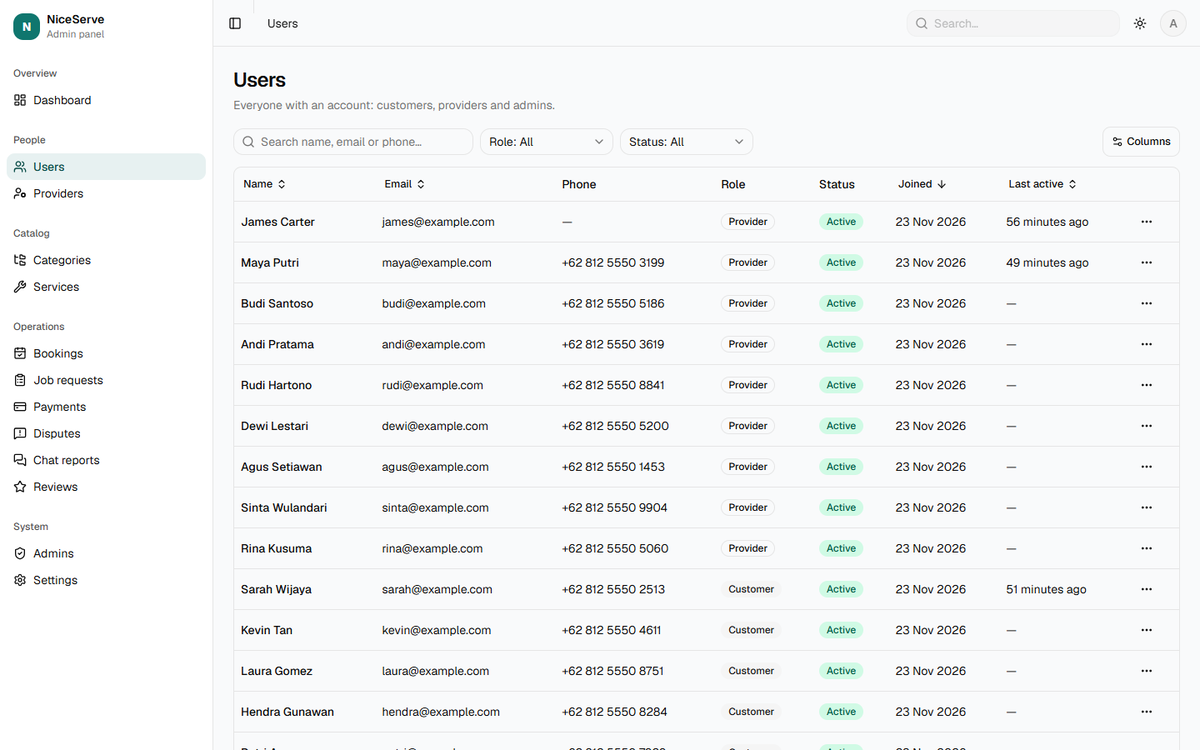
Users lists everyone with an account: customers, providers and admins. Search by name, email or phone, and filter by role or status.
Open a user to see their profile, language, whether their email is verified, saved addresses, the phones that receive their push notifications, and their bookings, job requests and reviews. Providers link to their provider profile.
| Action | What it does |
|---|---|
| Suspend | Signs them out on every device and blocks sign-in until you unsuspend them. Their bookings stay as they are. The reason you give is only visible to admins. |
| Unsuspend | They can sign in again right away. |
| Send password reset | Emails a 6-digit code to choose a new password in the app. Their current password keeps working until they do. |
| Delete | The same as the user deleting their own account: name, email, phone and addresses are erased, active bookings are cancelled, and they're signed out. Payment and booking records stay. This can't be undone. |
To stop a provider from taking bookings but keep their customer account, suspend the provider in Providers instead (Providers).
Reviews
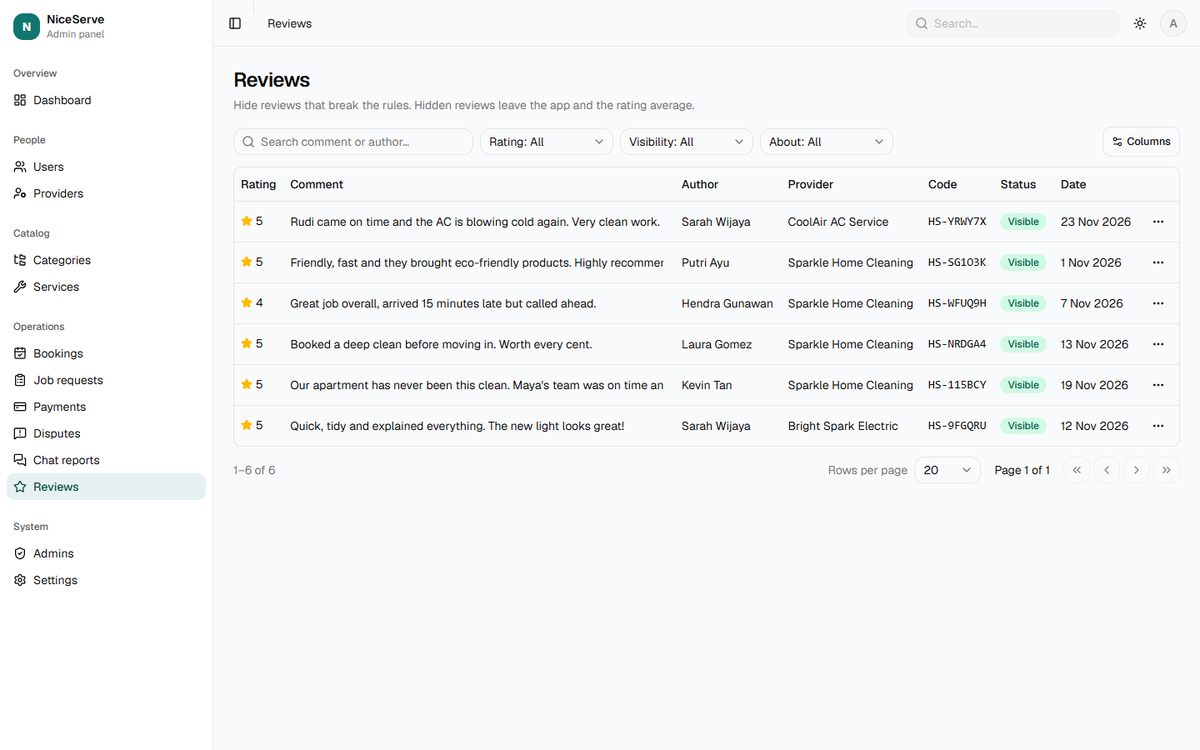
Reviews lists every review: rating, comment, author, provider, booking and date. Filter by rating, visibility, or whether it's about a provider or a customer (providers rate customers too).
- Hide a review that breaks your rules (insults, personal data, spam). Write a reason; only admins see it. A hidden review disappears from the app and stops counting in the rating.
- Show again reverses it.
You can't edit what a review says, only hide it. Providers can post one public reply to each review.
Chat reports
Customers and providers can report a chat from inside it. Reports appear in Chat reports with the reason, who reported it, both parties and the booking or job it's about.
- Click Read chat to read the whole conversation.
- If needed, act on the account: suspend the user, or suspend the provider.
- Click Close report.
Closed reports stay under the Closed tab.
Broadcast notifications
There's no screen for it yet, but the API can send a notification to all customers, all providers or one user with POST /api/v1/admin/notifications/broadcast (audience: customers, providers or user with a user_id; plus title, body and an optional in-app link such as /jobs/new). See the API reference.